Audio technology shapes how people create, share, and experience sound. From podcasts and music production to film sound design, understanding audio technology opens doors to creative and professional opportunities. Beginners often wonder where to start, what equipment to buy, which skills to learn, and how to practice effectively.
This guide breaks down the fundamentals of audio technology. It covers essential equipment, core skills, and practical resources that help anyone move from curious beginner to confident practitioner. Whether someone wants to record music, produce podcasts, or work in live sound, these foundational concepts apply across the board.
Table of Contents
ToggleKey Takeaways
- Audio technology converts sound waves into electrical signals for recording, editing, and playback—understanding this signal flow is essential for beginners.
- Start with affordable essentials: an audio interface ($100–$200), a quality microphone, closed-back headphones, and a free DAW like Audacity or GarageBand.
- Develop critical listening skills by comparing professional and amateur recordings across different speaker systems to train your ears.
- Master recording fundamentals like microphone placement, gain staging (peaks around -12 to -6 dB), and proximity effect before diving into advanced techniques.
- Learn mixing basics—EQ, compression, panning, and reverb—but practice restraint, as over-processing often hurts results.
- Leverage free resources like YouTube tutorials, practice multitracks, and audio engineering communities to accelerate your audio technology skills.
Understanding the Basics of Audio Technology
Audio technology refers to the tools and techniques used to capture, process, and reproduce sound. At its core, this field deals with converting acoustic sound waves into electrical signals, and then back again.
How Sound Works
Sound travels as vibrations through air. Microphones detect these vibrations and convert them into electrical signals. These signals can then be recorded, edited, and played back through speakers or headphones. Understanding this chain, from acoustic source to final playback, provides the foundation for all audio work.
Analog vs. Digital Audio
Analog audio stores sound as continuous electrical signals. Vinyl records and cassette tapes use analog formats. Digital audio converts sound into binary data (ones and zeros). Most modern audio technology uses digital formats because they offer easier editing, storage, and distribution.
Sampling rate and bit depth determine digital audio quality. A sampling rate of 44.1 kHz captures 44,100 samples per second, the standard for CD-quality audio. Bit depth (commonly 16-bit or 24-bit) affects dynamic range and noise floor. Higher values generally mean better quality, though file sizes increase accordingly.
Signal Flow Basics
Every audio setup follows a signal flow: input, processing, and output. A microphone (input) captures sound, a mixer or audio interface (processing) adjusts levels and routing, and speakers (output) reproduce the final sound. Grasping signal flow helps troubleshoot problems and build effective recording setups.
Essential Audio Equipment for Beginners
Starting with audio technology doesn’t require expensive gear. A few key pieces of equipment create a functional home studio or portable recording setup.
Audio Interface
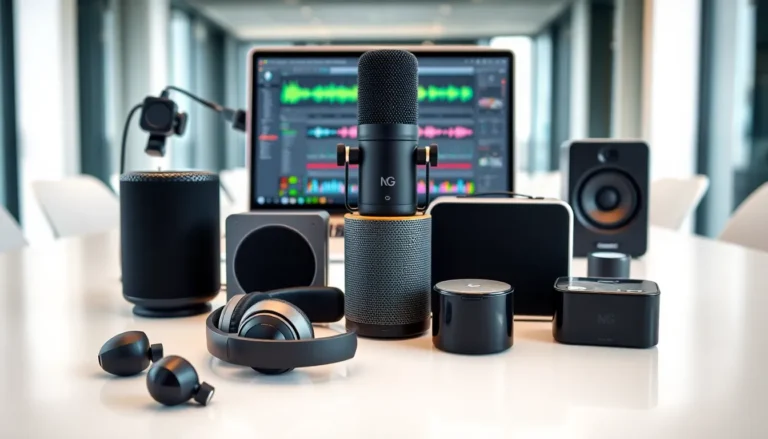
An audio interface connects microphones and instruments to a computer. It converts analog signals to digital and provides headphone monitoring. Entry-level interfaces from brands like Focusrite, PreSonus, and MOTU cost between $100 and $200. Look for at least one XLR input, low latency performance, and compatibility with your operating system.
Microphones
Two main microphone types dominate audio technology: condenser and dynamic. Condenser microphones offer sensitivity and detail, ideal for vocals and acoustic instruments in controlled environments. Dynamic microphones handle loud sources and reject background noise, making them popular for live sound and podcasting.
A quality USB microphone works well for simple podcast setups. For more flexibility, an XLR condenser mic paired with an audio interface provides better sound quality and upgrade potential.
Headphones and Monitors
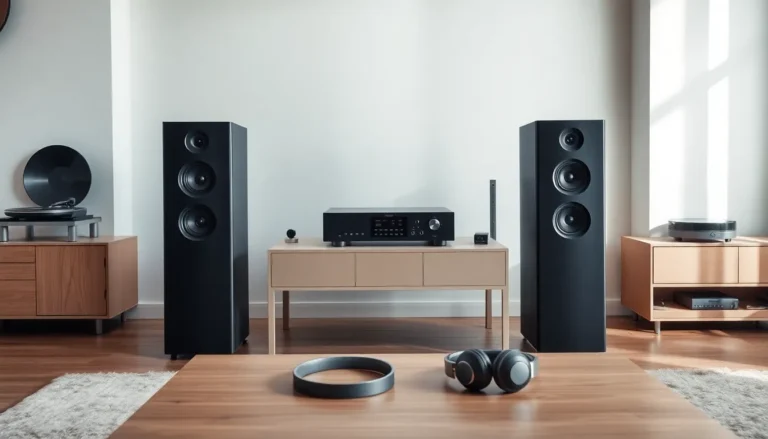
Closed-back headphones prevent sound leakage during recording. Open-back headphones and studio monitors provide more accurate sound for mixing. Beginners should start with a reliable pair of closed-back headphones (Audio-Technica ATH-M50x remains a popular choice) before investing in studio monitors.
Digital Audio Workstation (DAW)
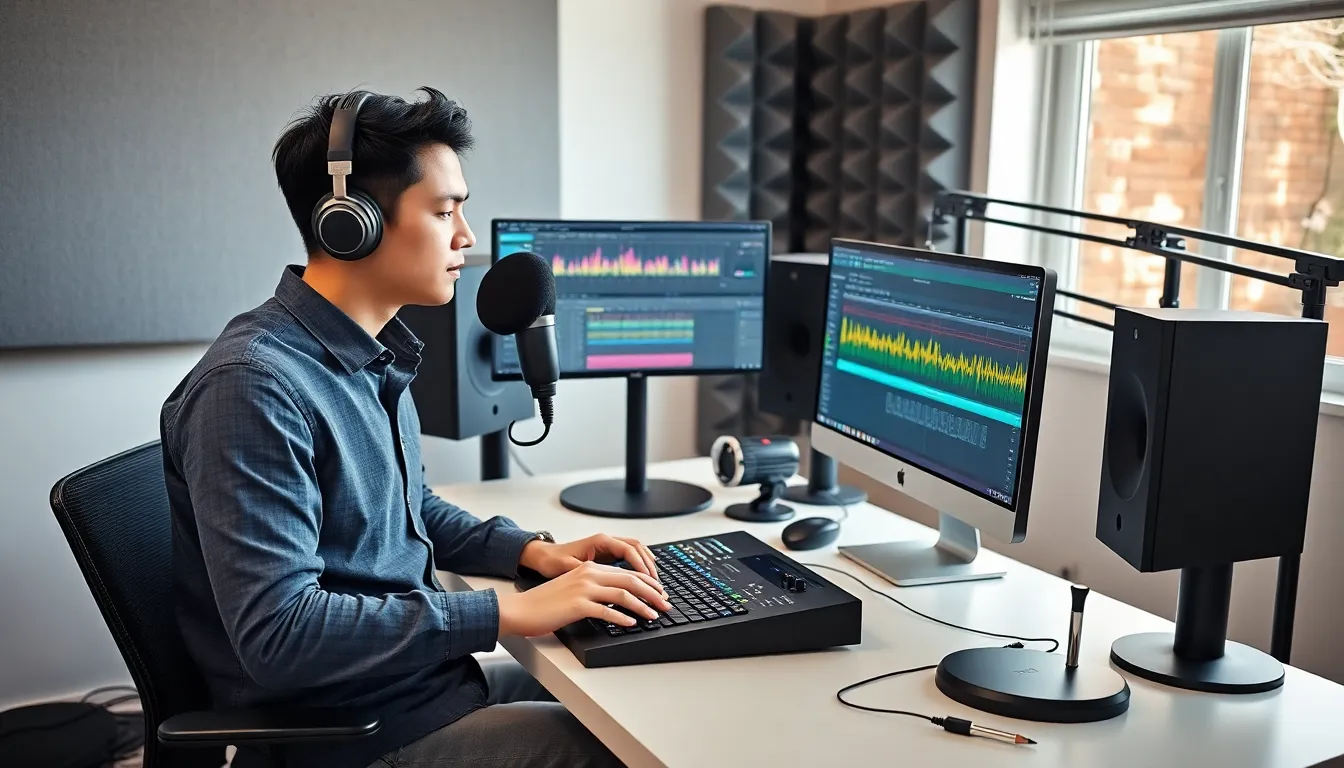
A DAW is the software used for recording, editing, and mixing audio. Free options like Audacity, GarageBand (Mac), and Cakewalk by BandLab offer solid starting points. Paid options like Ableton Live, Logic Pro, and Pro Tools provide advanced features for growing producers. Most DAWs offer similar core functions, so beginners should choose one and learn it thoroughly.
Key Skills to Develop in Audio Production
Equipment matters, but skills determine results. Audio technology requires both technical knowledge and trained ears.
Critical Listening
Good audio engineers hear details others miss. They notice subtle distortion, frequency imbalances, and timing issues. Developing critical listening takes practice. Compare professional recordings to amateur ones. Listen on different speaker systems. Pay attention to how elements sit in a mix, where the vocals live, how the bass interacts with kick drums, what creates space and clarity.
Recording Techniques
Microphone placement dramatically affects recorded sound. Moving a mic just a few inches changes tone, room ambiance, and clarity. Learn the basics: position mics 6-12 inches from vocalists, experiment with angles on acoustic guitars, and understand proximity effect (bass boost when sources get close to directional mics).
Gain staging matters too. Set input levels high enough to capture detail but low enough to avoid clipping. Most engineers aim for peaks around -12 to -6 dB during recording.
Mixing Fundamentals
Mixing balances multiple audio tracks into a cohesive whole. Core concepts include:
- EQ (Equalization): Adjust frequency content to make sounds clearer or fuller
- Compression: Control dynamic range and add punch or sustain
- Panning: Place sounds in the stereo field
- Reverb and delay: Create depth and space
Start with simple mixes. Balance levels first, then add EQ and compression as needed. Many beginners over-process tracks, restraint often produces better results.
Resources and Tools for Learning Audio Technology
Self-education in audio technology has never been more accessible. Quality resources exist for every budget and learning style.
Online Courses and Tutorials
YouTube channels like Produce Like A Pro, Recording Revolution, and Pensado’s Place offer free tutorials from industry professionals. For structured learning, platforms like Coursera, LinkedIn Learning, and Skillshare host comprehensive audio technology courses. Berklee Online provides college-level instruction for those wanting formal credentials.
Books and Reference Materials
“The Recording Engineer’s Handbook” by Bobby Owsinski covers practical recording techniques. “Mixing Secrets for the Small Studio” by Mike Senior addresses home studio challenges specifically. These resources provide depth that short videos can’t match.
Practice Projects
The best learning happens through doing. Start a podcast, record a friend’s band, or remix stems from online sources. Many artists release multitrack sessions for practice, Cambridge Music Technology maintains a library of free multitracks for mixing exercises.
Community and Feedback
Forums like Gearslutz (now Gearspace), Reddit’s r/audioengineering, and Facebook groups connect beginners with experienced engineers. Sharing work and receiving feedback accelerates improvement. Local audio engineering meetups and workshops provide hands-on experience and networking opportunities.
Free Software Tools
Beyond DAWs, free plugins extend capabilities. TDR Nova (dynamic EQ), OTT (multiband compression), and Valhalla Supermassive (reverb/delay) rival paid alternatives. Learning to use stock plugins effectively matters more than collecting expensive software.