This audio technology guide covers the core concepts anyone needs to understand for better sound. Whether someone streams music daily, builds a home theater, or records podcasts, audio technology affects the listening experience directly. Sound quality depends on multiple factors, file formats, equipment choices, and proper setup. This guide breaks down each element clearly. Readers will learn how audio formats work, what equipment matters most, and how to choose the right setup for their specific needs. No jargon overload. Just practical information that leads to better sound.
Table of Contents
ToggleKey Takeaways
- Audio formats impact sound quality—lossless (FLAC) preserves full detail, while lossy (MP3 at 320 kbps) offers excellent sound with smaller file sizes.
- A quality DAC and proper amplifier pairing significantly improve audio performance over built-in device options.
- Match your audio equipment to your use case: closed-back headphones for commuting, open-back for home listening, and studio monitors for content creation.
- Room acoustics matter as much as equipment—soft furnishings and proper speaker placement enhance sound without extra cost.
- This audio technology guide recommends starting simple and upgrading gradually, balancing investments across your entire signal chain.
- For most listeners, $300–$500 powered speakers paired with a $100 external DAC creates an excellent home audio foundation.
Understanding Audio Formats and Quality
Audio formats determine how sound gets stored and played back. They fall into three main categories: lossless, lossy, and uncompressed.
Lossless formats like FLAC and ALAC preserve all original audio data. They compress files without removing any information. A FLAC file sounds identical to its source recording. These formats work best for audiophiles and anyone who values maximum quality.
Lossy formats like MP3 and AAC reduce file sizes by removing audio data the human ear rarely detects. An MP3 at 320 kbps sounds excellent to most listeners. Streaming services like Spotify use lossy compression to deliver music efficiently. The trade-off? Some subtle details disappear.
Uncompressed formats like WAV store raw audio data. These files take up significant storage space but contain every bit of the original recording. Professional studios use WAV files during production.
Bit depth and sample rate also affect quality. CD-quality audio uses 16-bit depth at 44.1 kHz. High-resolution audio often reaches 24-bit at 96 kHz or higher. Higher numbers mean more detail, but the difference becomes subtle on average equipment.
For most listeners, 320 kbps MP3 or high-quality AAC provides excellent sound. Audiophiles benefit from FLAC or other lossless options. The format choice in any audio technology guide depends on storage capacity, equipment quality, and personal preferences.
Key Audio Equipment Components
Quality audio equipment transforms digital files into sound waves people actually hear. Understanding each component helps buyers make smart decisions.
Speakers and Headphones
Speakers and headphones serve the same purpose: converting electrical signals into audible sound. Each has distinct advantages.
Speakers fill rooms with sound. They range from small desktop units to massive floor-standing towers. Key specs include driver size, frequency response, and sensitivity. A 6.5-inch woofer handles bass better than a 4-inch driver. Frequency response indicates the range a speaker reproduces, 20 Hz to 20 kHz covers human hearing.
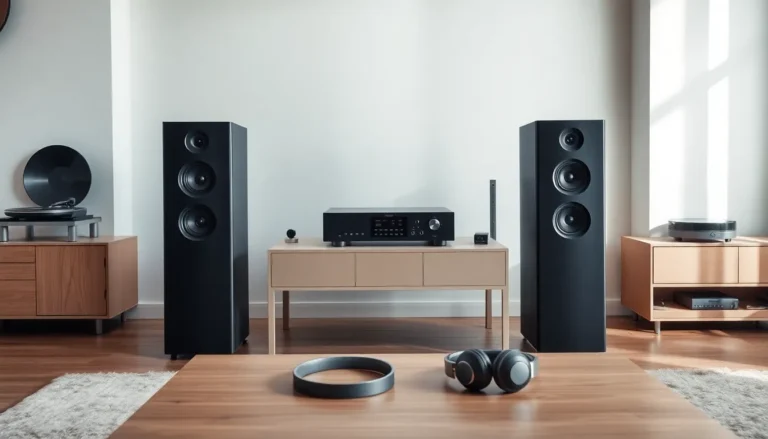
Bookshelf speakers work well for small spaces. Tower speakers suit larger rooms. Studio monitors deliver flat, accurate sound for mixing and critical listening.
Headphones offer privacy and portability. Over-ear models provide the best sound isolation and comfort for long sessions. In-ear monitors (IEMs) fit inside the ear canal and block external noise effectively. Open-back headphones sound more spacious but leak sound outward.
This audio technology guide recommends matching headphones to use cases. Commuters benefit from closed-back designs. Home listeners often prefer open-back models for their natural soundstage.
Digital-to-Analog Converters and Amplifiers
DACs (Digital-to-Analog Converters) translate digital audio files into analog signals. Every device that plays digital audio contains a DAC, phones, laptops, streaming boxes. External DACs typically outperform built-in options.
A quality DAC reduces distortion and noise. It reveals details that cheap DACs mask. Prices range from $50 for solid entry-level units to thousands for high-end models.
Amplifiers boost audio signals to power speakers or headphones. Passive speakers require external amplifiers. Active speakers contain built-in amps. Headphone amplifiers help drive demanding headphones that phones struggle to power adequately.
Matching amplifier power to speaker requirements matters. Underpowered amps cause distortion at high volumes. Overpowered setups risk damaging speakers if pushed too hard.
Choosing the Right Audio Setup for Your Needs
The best audio setup matches the listener’s habits, space, and budget. This audio technology guide outlines practical approaches for common scenarios.
Casual listeners streaming music on phones need quality earbuds or headphones. A $100-$200 pair from reputable brands delivers satisfying sound. Wireless options add convenience with minimal quality loss using modern Bluetooth codecs like aptX or LDAC.
Home audio enthusiasts benefit from powered bookshelf speakers connected to a streaming device or computer. A pair of $300-$500 active speakers plus a $100 external DAC creates an excellent foundation. This setup handles music, movies, and gaming well.
Audiophiles invest in separates: dedicated DAC, amplifier, and passive speakers. They choose lossless formats and high-resolution files. Budget varies widely, serious systems start around $1,000 and scale upward without limit.
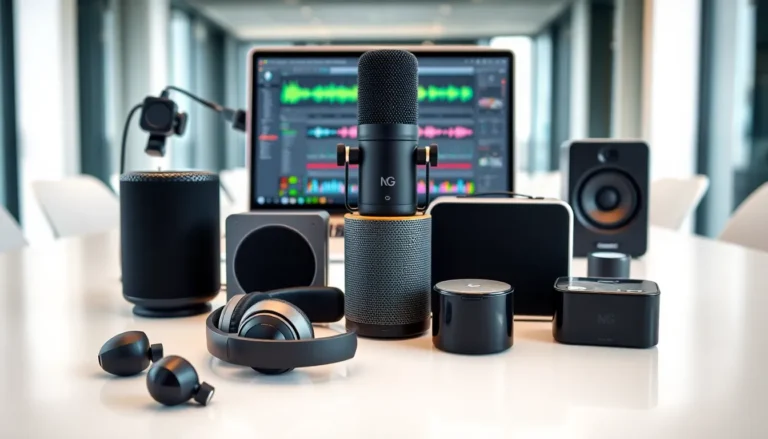
Content creators need studio monitors and audio interfaces. Flat frequency response helps them hear recordings accurately. Popular monitors from Yamaha, JBL, and KRK serve this market well.
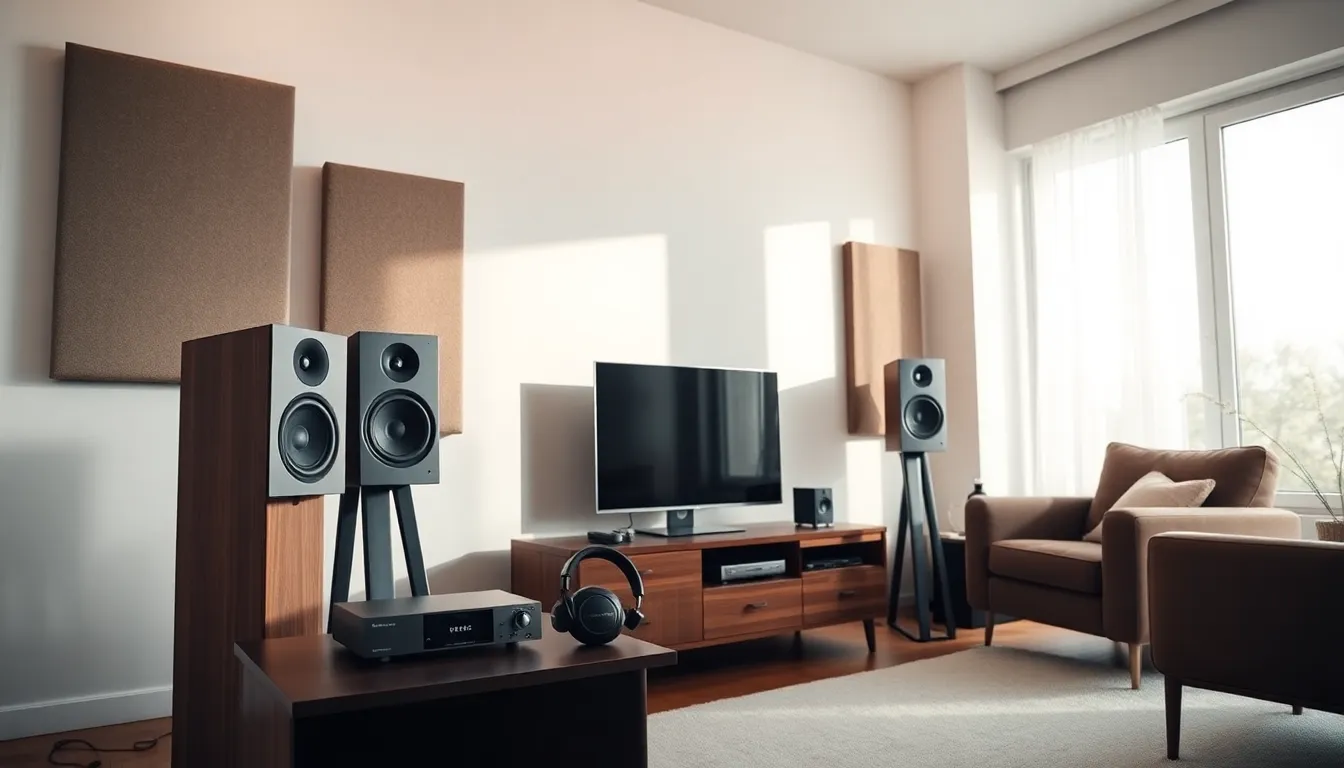
Room acoustics affect every setup. Hard surfaces reflect sound and create echo. Soft furnishings, rugs, and acoustic panels improve sound quality without equipment upgrades. Speaker placement also matters, positioning away from walls reduces bass buildup.
Start simple and upgrade gradually. Expensive equipment reveals flaws in poor source files. Balance investments across the signal chain: source, DAC, amplifier, and speakers or headphones.